
Stage 1
230 BHP380 Nm
Hardcut limiter7,000 RPM
Flat foot shifting & brake boost included
Choose Stage 1
Choose a version from this store's reviewed vehicle collections.
No saved vehicles yet.


Choose a version from this store's reviewed vehicle collections.
No saved vehicles yet.
Free app download. Vehicle licence and adapter included; smartphone not included.
TRS PERFORMANCE / MOBILE TUNING
Want overrun? Change it. Different fuel available? Choose a supported fuel map. Make unlimited tuning changes for your Fiesta ST MK7, straight from your phone.
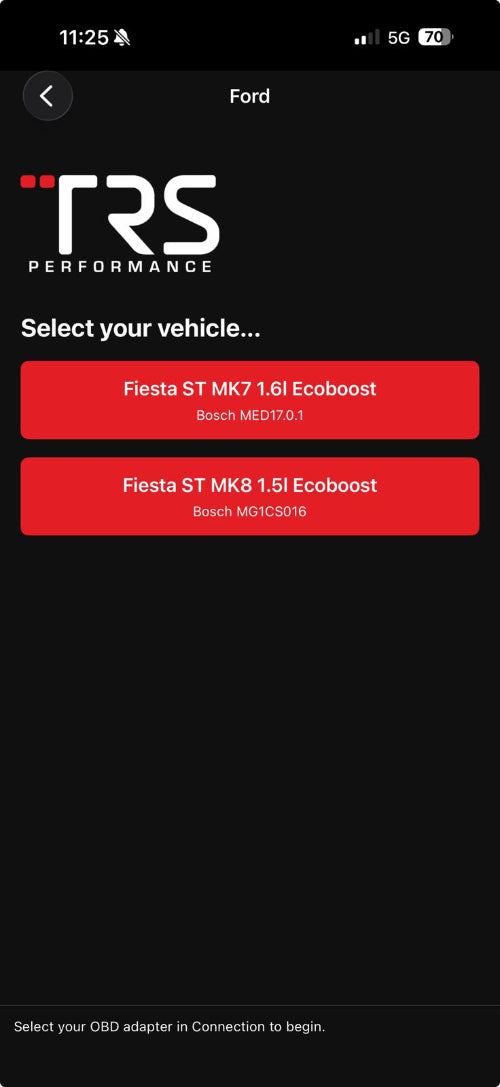
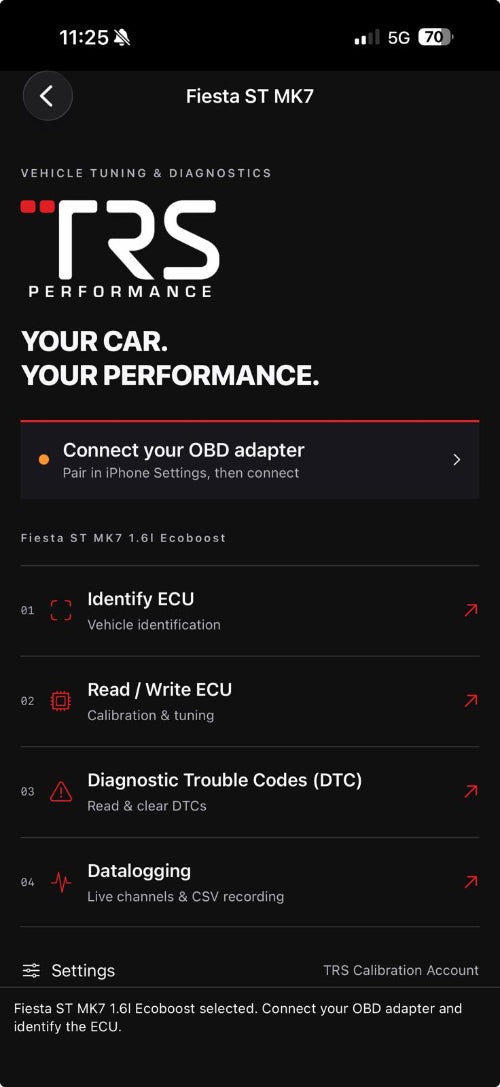
CHOOSE YOUR PERFORMANCE
Hardcut limiter7,000 RPM
Flat foot shifting & brake boost included
Choose Stage 1Hardcut limiter7,000 RPM
Flat foot shifting & brake boost included
Choose Stage 2Hardcut limiter7,500 RPM
Flat foot shifting & brake boost included
Choose Stage 3MK7 performance targets. Results depend on fuel, supporting hardware and vehicle condition; check the requirements for your stage.
CHANGE THE SETTINGS. KEEP THE CONTROL.
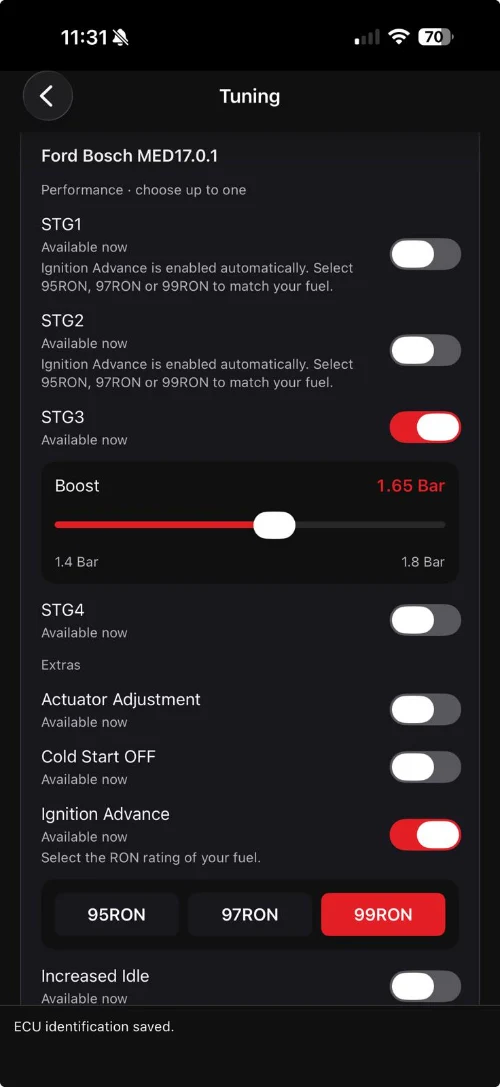
Choose your settings in the app, then reflash your licensed car. Change them again whenever you want.
YOUR SETUP. YOUR CHOICE.
Choose your stage and a 95, 97 or 99 RON map to match the fuel in your tank. Cold-start off and supported boost settings put more of your setup in your hands.
Real MK7 app screens. Options and channels depend on your vehicle, hardware and tuning package. Stage 1, 2 and 3 kits are offered here.
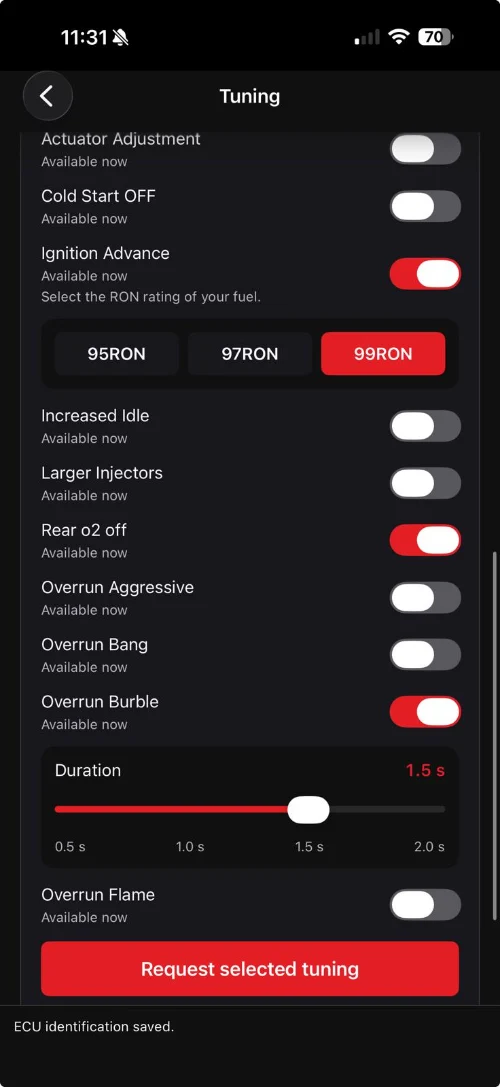
YOUR SOUND. YOUR SETTINGS.
Choose from the overrun options available for your package: burble, bang or a more aggressive setting. Adjust the supported duration, or leave overrun off.
Real MK7 app screens. Options and channels depend on your vehicle, hardware and tuning package. Stage 1, 2 and 3 kits are offered here.
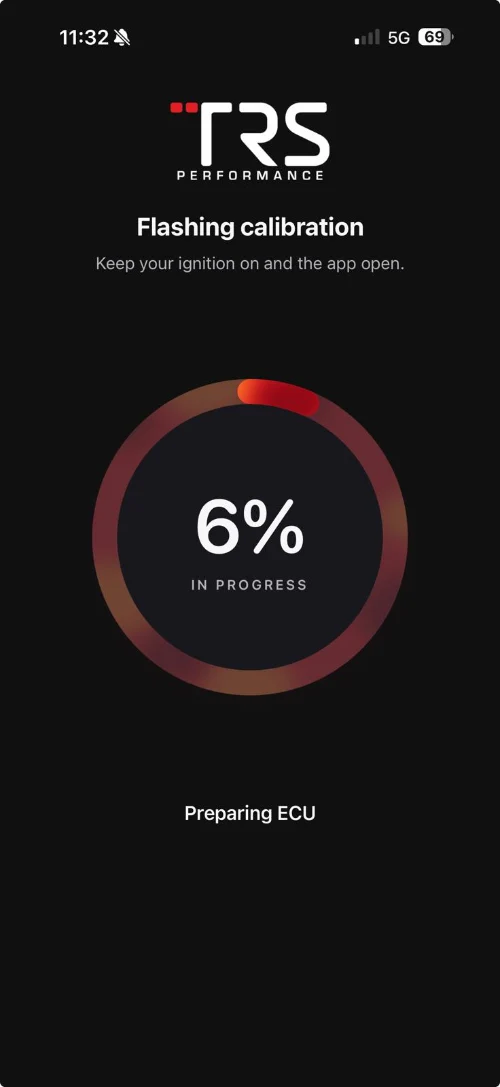
PLUG IN. CHOOSE. FLASH.
Plug in the included OBD adapter, choose your calibration and follow the app’s progress. Calibration reflashes can take around 30 seconds — all from your compatible phone.
Real MK7 app screens. Options and channels depend on your vehicle, hardware and tuning package. Stage 1, 2 and 3 kits are offered here.
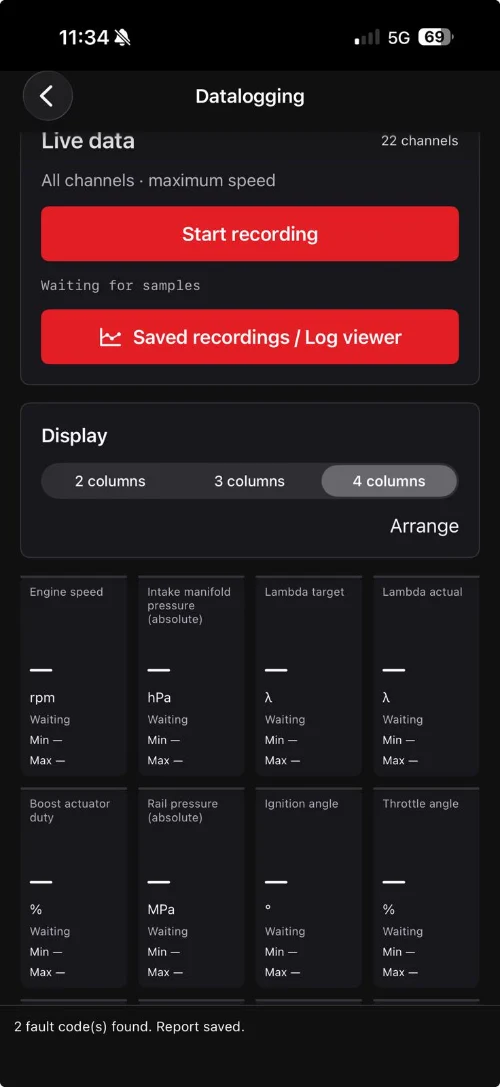
KNOW WHAT YOUR CAR IS DOING.
Watch supported engine channels, arrange the display your way and record a drive for review. Engine speed, manifold pressure, lambda and ignition data help build a clearer picture.
Real MK7 app screens. Options and channels depend on your vehicle, hardware and tuning package. Stage 1, 2 and 3 kits are offered here.
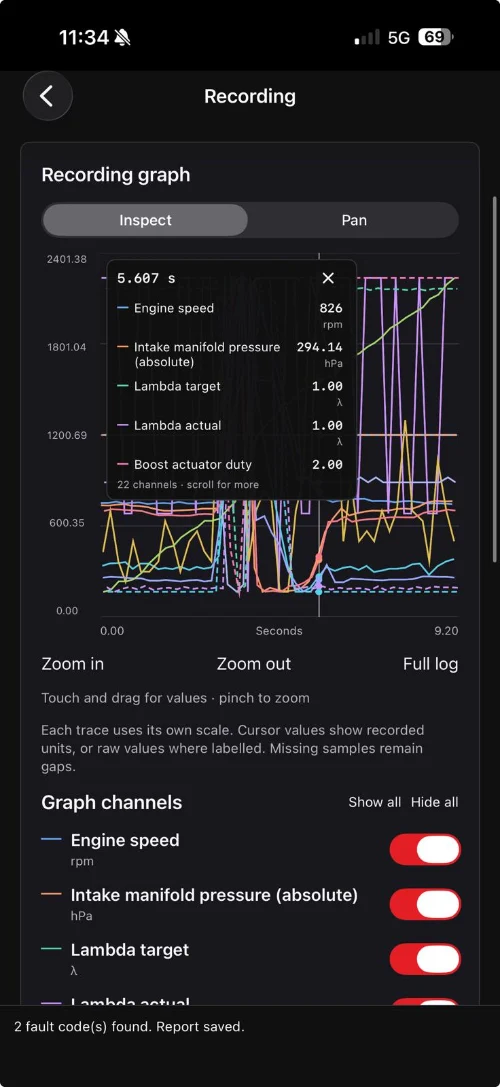
RECORD. SHARE. REFINE.
Open saved recordings, zoom into the graph and inspect recorded values. Send your logs to us: we can review them, flag potential issues and advise what to check next.
Real MK7 app screens. Options and channels depend on your vehicle, hardware and tuning package. Stage 1, 2 and 3 kits are offered here.
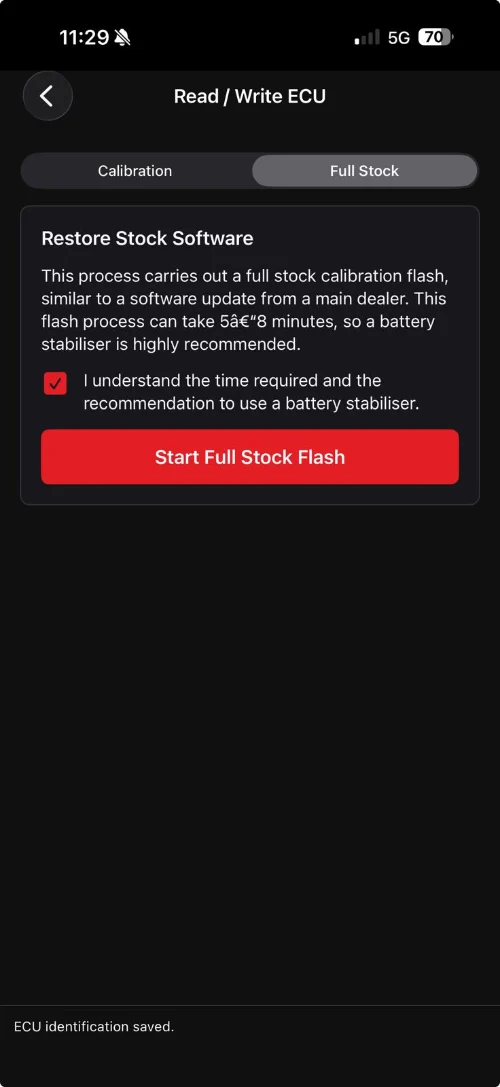
THE OPTION TO GO BACK.
The full-stock function restores supported factory software through the app. This is a longer process than a calibration reflash: allow around 5–8 minutes and follow the battery-support guidance.
Real MK7 app screens. Options and channels depend on your vehicle, hardware and tuning package. Stage 1, 2 and 3 kits are offered here.
YOUR PHONE. YOUR CAR. CONNECTED.
Calibration reflash time can vary. Initial setup takes longer; full stock restores take around 5–8 minutes.
Connect the dongle to your car’s OBD port. Your own compatible iPhone or Android phone does the rest.
Select the calibration and settings for your stage, fuel and hardware.
Follow the guided flash with the car parked and engine off. Ready for a change later? Choose again and reflash.
Your selected tuning stage, one supported vehicle licence and an adapter. The app download is free; use your own compatible smartphone.
The MK7 kit covers all Ford Fiesta ST MK7 models. The MK8 kit covers all Fiesta ST MK8 and MK8.5 models. These kits are for Fiesta ST models only. iPhone requires iOS 17 or later; check Android device support with us. App screens show an MK7 example.
Use the app to choose from the supported settings and calibrations available for your licensed vehicle, then reflash whenever you want a change. Available options depend on your tuning package. Always use a calibration suitable for your actual fuel and hardware.
No. Follow the guided flashing instructions with the car stationary and the engine switched off. Higher stages may require supporting modifications.
YOUR NEXT UPGRADE
Your stage. Your settings. Unlimited changes from your phone.